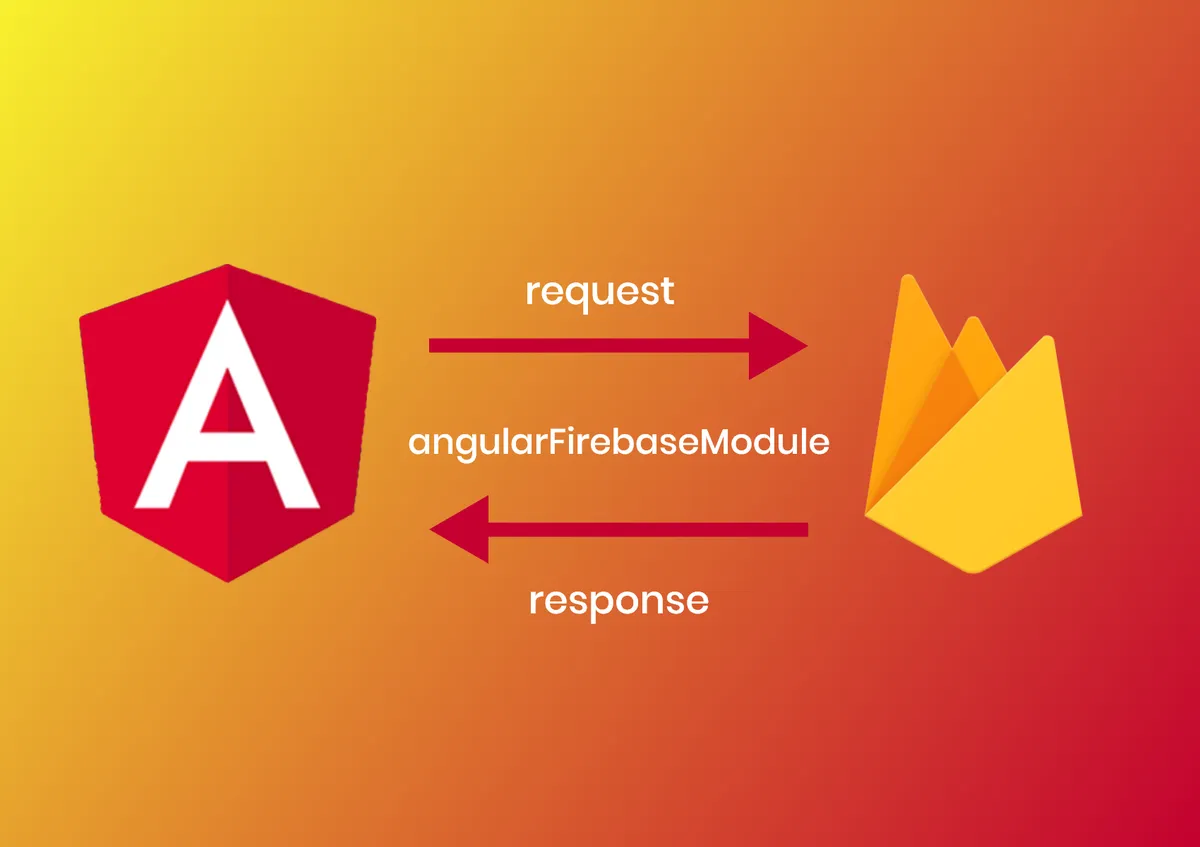
Setup Firebase in angular application

Blog
Setup Firebase in angular application
Published On - January 30, 2020
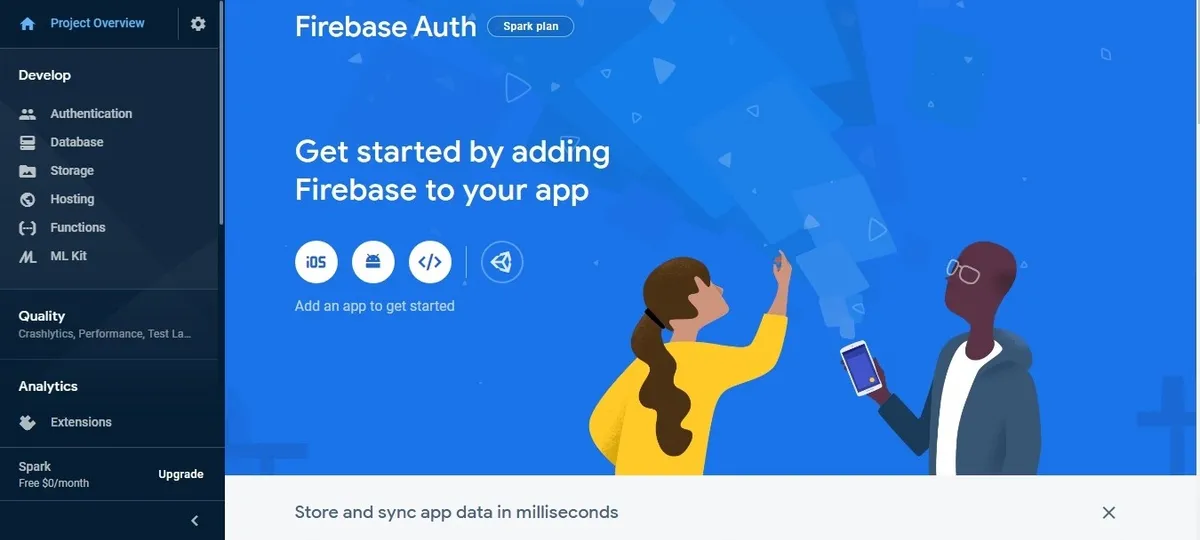
First, we need to create an account of firebase for angular application. You need to go to the firebase.google.com URL and creating an account. After creating an account there is an option for creating a project. Click on the add project after adding the project it will display like below screen.
Click on the web icon then you can get the firebase configfile.
<!-- The core Firebase JS SDK is always required and must be listed first -->
<script src="https://www.gstatic.com/firebasejs/7.7.0/firebase-app.js"></script>
<!-- TODO: Add SDKs for Firebase products that you want to use
https://firebase.google.com/docs/web/setup#available-libraries -->
<script>
// Your web app's Firebase configuration
var firebaseConfig = {
apiKey: "API KEY",
authDomain: "domain",
databaseURL: "url",
projectId: "project",
storageBucket: "storage",
messagingSenderId: "Sender ID",
appId: "aPP id"
};
// Initialize Firebase
firebase.initializeApp(firebaseConfig);
</script>
Now you can copy these firebase config in our angular project. Add these config in “src/environments/environment.ts”
export const environment = {
firebase: {
apiKey: "YOUR_API_KEY",
authDomain: "YOUR_AUTH_DOMAIN",
databaseURL: "YOUR_DATABASE_URL",
projectId: "YOUR_PROJECT_ID",
storageBucket: "YOUR_STORAGE_BUCKET",
messagingSenderId: "YOUR_SENDER_ID"
}
};
You need to install module for firebase in our angular application.
npm install @angular/fire firebase --save
Need to import firebase library “app.module.ts”
import { AngularFireModule } from '@angular/fire';
import { AngularFireAuthModule } from '@angular/fire/auth';
import { environment } from '../environments/environment';
.....
imports: [
AngularFireModule.initializeApp(environment.firebase),
AngularFireAuthModule, //
...
]
Using Firebase we can now use social logins like (facebook,twitter,linkedin, etc..).
Below is the example for the Facebook login using firebase. We need to create service.
import { AngularFireAuth } from 'angular/fire/auth';
import * as firebase from 'firebase/app';
.......
constructor(public fbAuth: AngularFireAuth){
}
.......
facebookLogin(){
return new Promise((resolve, reject) => {
let provider = new firebase.auth.FacebookAuthProvider();
this.afAuth.auth
.signInWithPopup(provider)
.then(res => {
resolve(res);
}, err => {
console.log(err);
reject(err);
})
})
}
.....
Tags:
Related Articles
About Us
Leading software development company. We specialize in web and mobile application development.
We are strategists. We are innovators. We are a team of full-stack enterprise and mobile app developers
Contact Us
Office Address
B-680, 2nd Floor,
Green Field Colony, Faridabad
121010
Haryana, India
Phone: +91 93133 54455
