


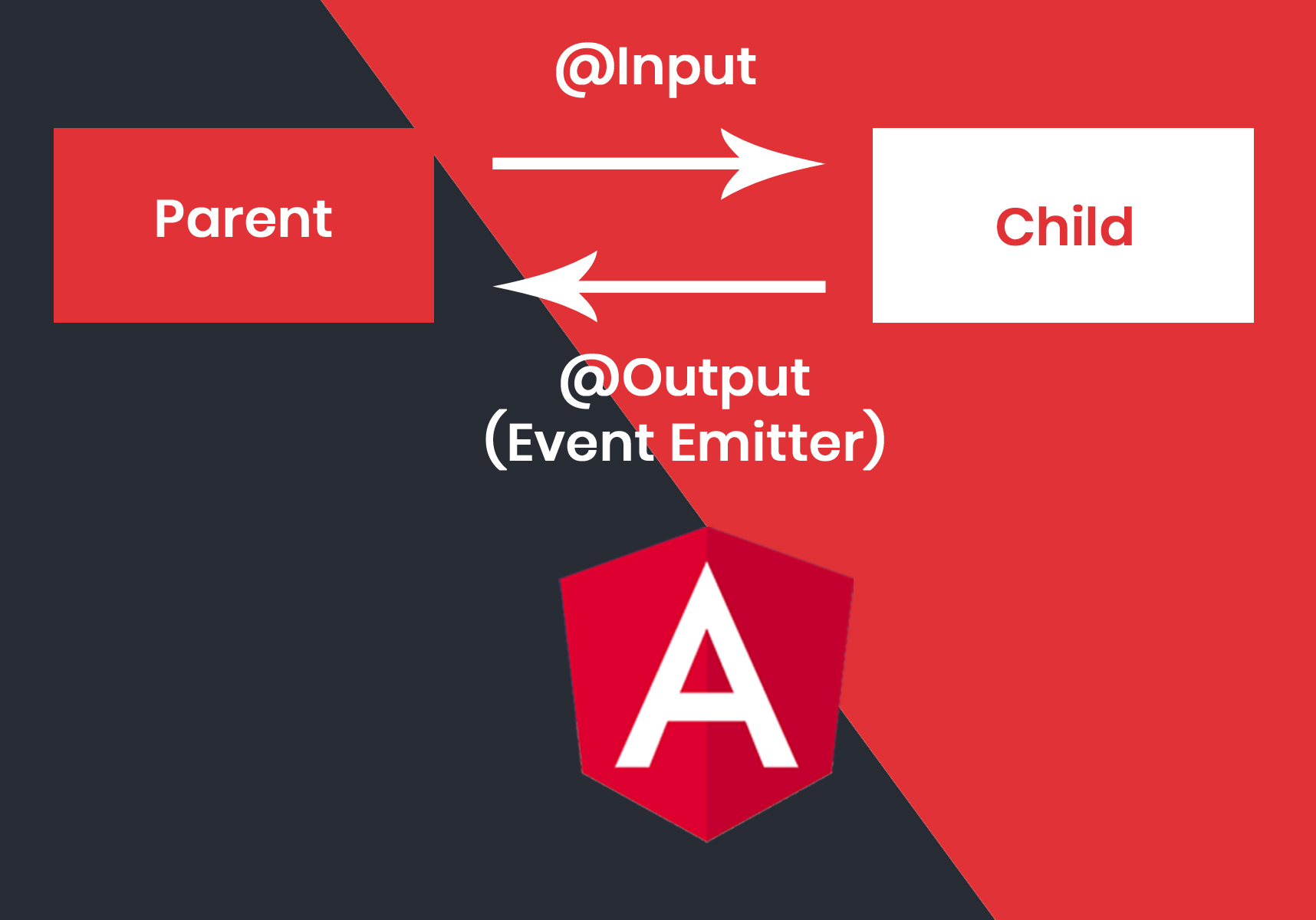
In angular when we need to transmit data from the child component to parent component we can use two methode to transmit.
1) Sharing Data using EventEmitter
2) Sharing Data using ViewChild
In these article we discuss how to send data from the child to parent component using EventEmitter.
In Parent Component we need to write receive function for get data from the child.
In Child Component we need to declare “Output” decorator using EventEmitter. Then we need to create function for sending message which emits data for the parent component to get.
Below is the code for the Parent Component.
import { Component } from '@angular/core';
@Component({
  selector: 'app-main',
  template: `
    Message: {{messagefrom}}
    <app-child (messageEvent)="getMessage($event)"></app-child>
  `
})
export class MainComponent {

  constructor() { }

  messagefrom:string;

  getMessage($event) {
    this.messagefrom = $event
  }
}
In Parent component we have added “messageEvent” which gets data when child component emits data from their. Below is the code for the child.
import { Component, Output, messageEvent } from '@angular/core';

@Component({
  selector: 'app-child',
  template: `
      <button (click)="sendMessage()">Send Message</button>
})
export class ChildComponent {

  message: string = "Hello I am child component";

  @Output() messageEvent = new EventEmitter<string>();

  constructor() { }

  sendMessage() {
    this.messageEvent.emit(this.message)
  }
}
where ever we click on the “Send Message” button it trigger the “messageEvent” and emits data to the parent component.